
Searching Ascension Parish Cases by Name
The official help material describes the account, parish-selection, and records-destination controls. It never shows the live party-name field. Nor does it explain how name matching works. So begin with a complete caption and supporting facts. And never treat a same-name hit as a confirmed match. The clerk's system also keeps land records apart from Marriage/Civil/Criminal Records, so pick the right Ascension Parish court-record destination before starting your case lookup.
- Gather the full caption or party name, plus any known filing year, Ascension Parish court, division, agency, citation number, and hearing date.
- Open the Ascension Parish Clerk's e-services route, enter eClerks LA, and choose Parish Search.
- Select Ascension Parish and sign in or register if the live service requires it.
- Choose Marriage/Civil/Criminal Records rather than the land-record product.
- If the live case-management screen presents a party or caption field, use the complete known name and then narrow candidates with the Ascension Parish court, year, or case number.
- Open only a candidate whose court, case style, and dates fit the known facts.
- Use a clerk terminal or the correct department if the remote screen does not supply a reliable match.
These controls come from the clerk's own help material. It documents no person-name, status, date-range, or pagination field, so a searcher should not count on those.
| Field or Control | Type | Required | Documented Use |
|---|---|---|---|
| Email address | Text | Yes for login | Account credential in the help guide. |
| Password | Password | Yes for login | Used with login. |
| Parish Search | Tile/button | No | Opens parish selection. |
| Select a Parish | Dropdown | Yes | Select Ascension Parish. |
| Marriage/Civil/Criminal Records | Link/button | Depends | Ascension case-management destination. |
Ascension Parish Case Search at eClerks LA
The Louisiana Clerks' Remote Access Authority overview describes the statewide framework. Participating parishes plug into it. eClerks LA is a doorway to those clerk systems. It does not promise every court, file, or image in one unrestricted result set. Pick Ascension Parish first. Then choose the records product that fits your court docket search. Filing through an electronic route is one action. Inspecting a released public record is another.
This is the LCRAA layer at work. It links participating parish records while each Ascension Parish access rule still holds.
Ascension Parish Case Number Searches
A case or suit number is the best identifier. It points the Ascension Parish Clerk and its record system to one file. No one pattern fits every division. Do not borrow a year-and-code format from another court. Copy the number exactly as it appears on a notice, docket line, minute, judgment, citation, or clerk letter.
Know only part of it? Pair that fragment with the Ascension Parish court, the record type, and the filing year. The useful code is the Ascension Parish Clerk-issued case or suit number as printed on the Ascension Parish court record. Civil staff field civil suits and appeals. The Criminal/Minute Clerk keeps criminal minutes, charges, warrants, and related records. Match the number to the right department.
Ascension Parish Case Search Status
The older Online ACCESS route can stop you cold. A sign-in page or a no-authority screen may appear. Treat that as an access wall, nothing more. It does not mean the Ascension Parish case is missing from the clerk's records.
The clerk describes released records as recorded, indexed, verified, and released. Even so, a file carrying an official case number can still sit in a queue. It may await indexing or release. So a blank result is not a blank record.
The official Online Indexing System disclaimer spells out the gap plainly: what you pull online is not the same as the official record held in the clerk's office.
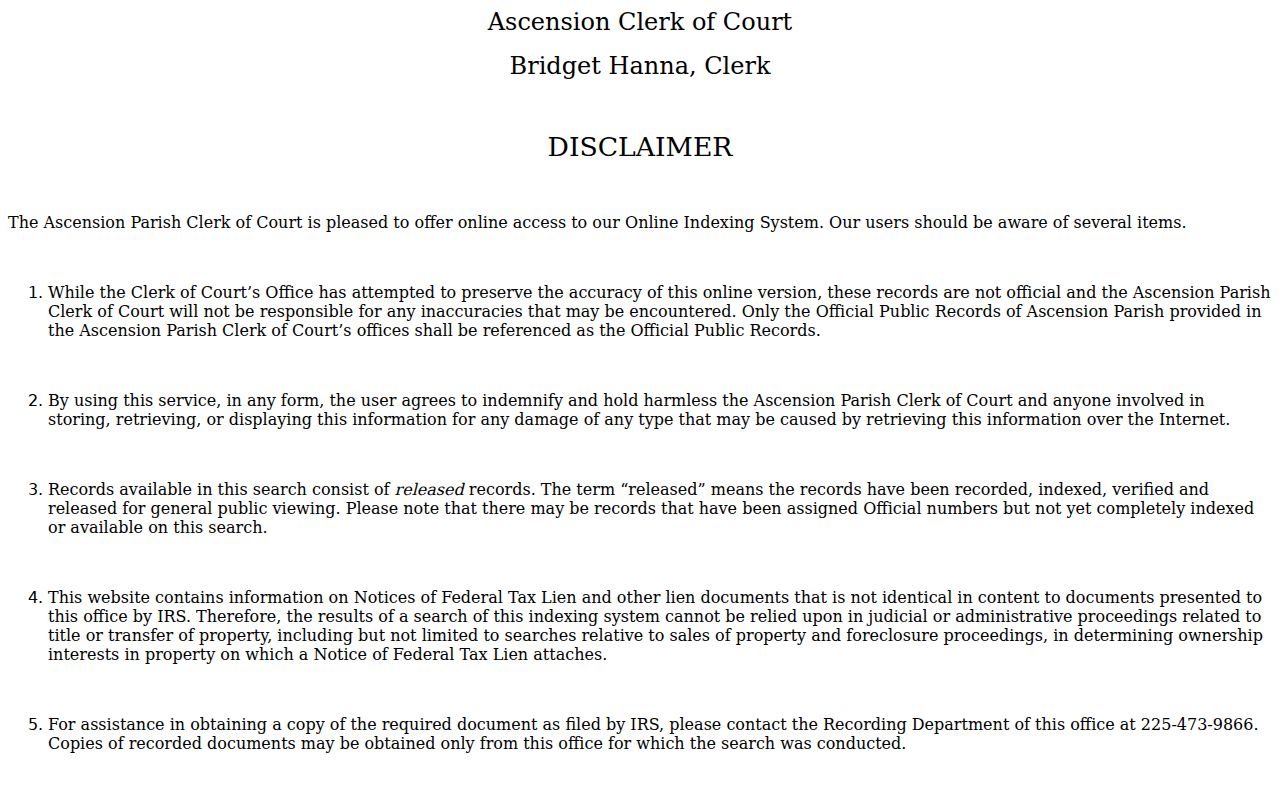
Treat any screen result as a lead. For a certified copy, or one you can legally rely on, go to the Ascension Parish Clerk.
Ascension Parish Case Search Results
An index result may carry a case or instrument number, caption, filing or recording date, document type, release or index status, and an image or purchase link. The public clerk pages promise no single complete display. Every case type can look different. Read an event list as a docket or minute trail. Then check the pleading, exhibit, or judgment behind the entry. Assume nothing from the entry alone.
| Case or suit number | The local retrieval identifier, recorded exactly as released. |
|---|---|
| Caption or style | The case title or parties as presented in the released index. |
| Court or division | The Twenty-Third Judicial District Court, Parish Court, Justice of the Peace, or other venue when shown. |
| Filing date | The clerk event date, not necessarily a hearing date. |
| Minute or docket event | A chronological court event record, not necessarily the signed document. |
| Release or image status | Whether the item is released and whether an image route is available. |
When the legal text matters, a signed Ascension Parish judgment or order controls. A minute entry only records what occurred. A continuance or reset merely moves a setting.
Ascension Parish Case Images
The 24-hour request page is a documented legacy route. It collects a name, an email, email verification, and a requested password. It shows no live Ascension case-search field set. And it cannot promise that a given image exists. eVault guidance describes its own image-shopping process. There, eVault and parish Online ACCESS carts are kept apart. The clerk's 24-hour Online ACCESS request page lays out the account-request controls. A visitor will meet them at the start.
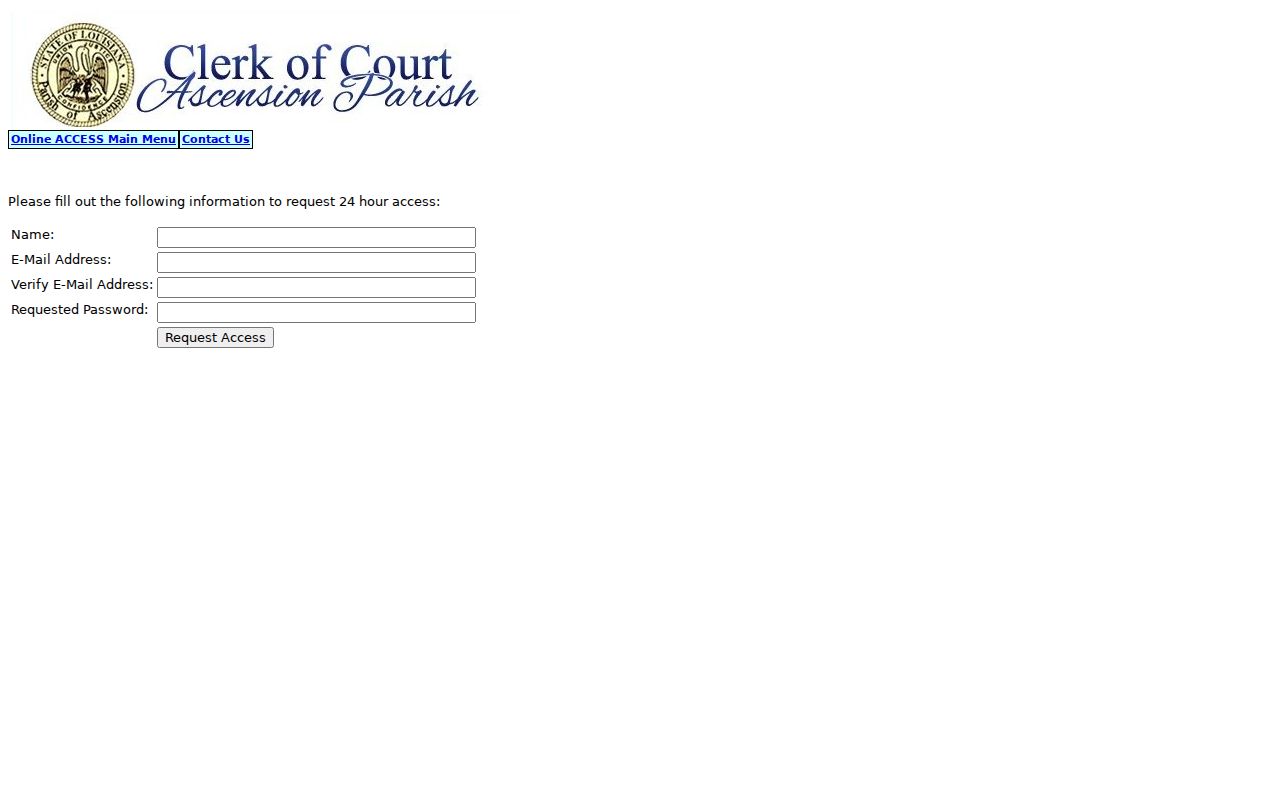
The request screen confirms an account route, nothing more. When an image is missing or an authoritative copy is needed, the Ascension Parish Clerk is the source. An index with no image raises a simple question. Is eClerks purchase, a terminal, an older paper file, or a certified copy the right next step? Ask the clerk. A download is never certification.
Ascension Parish Statewide Case Search
Both search paths sit inside the same eClerks LA/LCRAA environment, yet they do different jobs. The statewide layer locates participating parish information. The Ascension path ends at the local Marriage/Civil/Criminal destination. There the Ascension Parish Clerk's own access rules govern. Neither route settles court jurisdiction. Released status and missing documents still go back to the office that holds the record.
| Statewide Portal | Ascension Parish Search |
|---|---|
| Participating parish-record framework. | Parish selection for Ascension records and products. |
| Useful for locating a participating parish route. | Useful when the Ascension Parish court matter belongs in Ascension Parish. |
| May present limited participating-record information. | May require specific product access for images. |
| Does not make every court file public. | Does not replace a certified clerk copy. |
Ascension Parish Case Search Terminals
Both Ascension Parish Clerk offices keep public-access computers for visitors. That is your best fallback when an account wall blocks you, a file is old, or a search result looks off. Department staff can also help with a stubborn request. Bring the case number if you have it. No number? Come with the full caption, the court or division, a rough year, the record family, and the hearing date if that is what you are chasing.
Before you go online, note the browser rule. The eClerks LA application entry page states that a supported desktop browser is required to run the application.
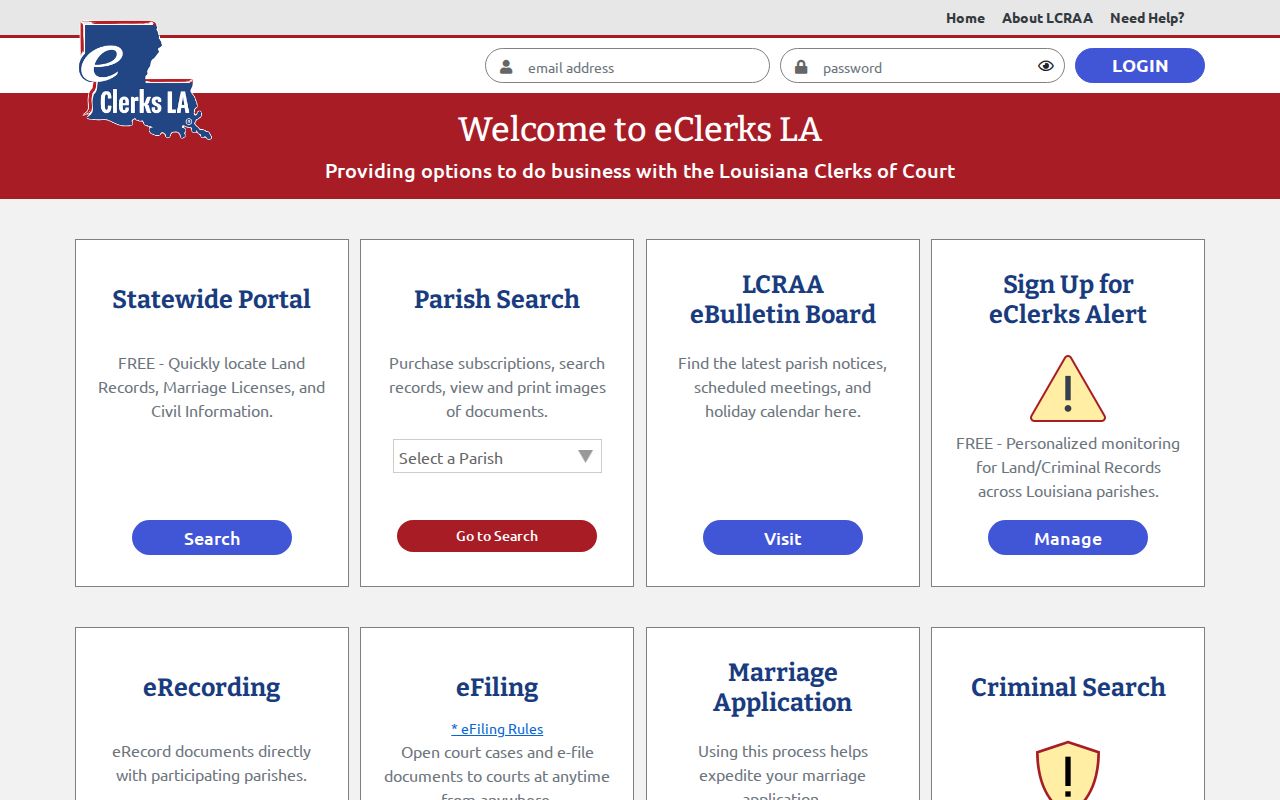
The Ascension Parish case search runs on a specific browser, and the terminal page says so plainly. That detail explains a failed login, but it settles nothing about what the court docket actually contains.
Ascension Parish Restricted Case Access
Louisiana opens its court records to the public by default. Statutes and court rules carve out exceptions, though. Children's Code article 412 keeps juvenile material confidential. In Ascension Parish, the Criminal Department will not release it without a valid court order. Sealed civil records sit in a special clerk repository. No one views, withdraws, or unseals them absent a written order.
Criminal cases work differently online. R.S. 13:5992 demands public electronic access to qualifying minute entries or summaries for cases filed on or after January 1, 2020. The statute stops short of requiring every underlying image, though. So an Ascension Parish case search may return the minute layer. The full file may still stay out of reach.
Ascension Parish Criminal Case Minutes
A criminal minute entry is the Ascension Parish Clerk's event record. It covers something that happened in court, such as a hearing, a plea, or a ruling. It is not the charge itself, an exhibit, a sentence, or a signed judgment. When your docket search shows only a short event description with no image, request the public minute or summary by case number, then ask separately whether a public document or certified copy exists.
Dates need the same care. Check the individual case setting against the case record. Do not rely on a general duty calendar. A posted schedule and a case line may conflict. The court and clerk hold the official answer.