
The Ascension Parish Court Calendar
No single calendar in Ascension lists every case by party name. When you need a specific setting, the clerk's case docket or a criminal minute entry comes first. From there, the Twenty-Third Judicial District Court posts a duty-judge calendar along with closure notices, and Ascension Parish Court publishes its own schedule and holiday material. Each one answers a different question. A smart Ascension date search begins by pinning down which court and which case type you are dealing with.
The district court's duty calendar shows weekly duty coverage and nothing more. It is not the full Ascension civil, criminal, family, or hearing-officer docket. Parish Court's schedule, by contrast, sorts sessions by date, time, city, agency, session type, and sometimes an alphabetical block, which makes it a planning aid rather than a replacement for the latest docket entry on your case. Ascension Parish Court's official home page lays out that route, and its schedules sit alongside, not instead of, the setting recorded in an individual Ascension court calendar docket.
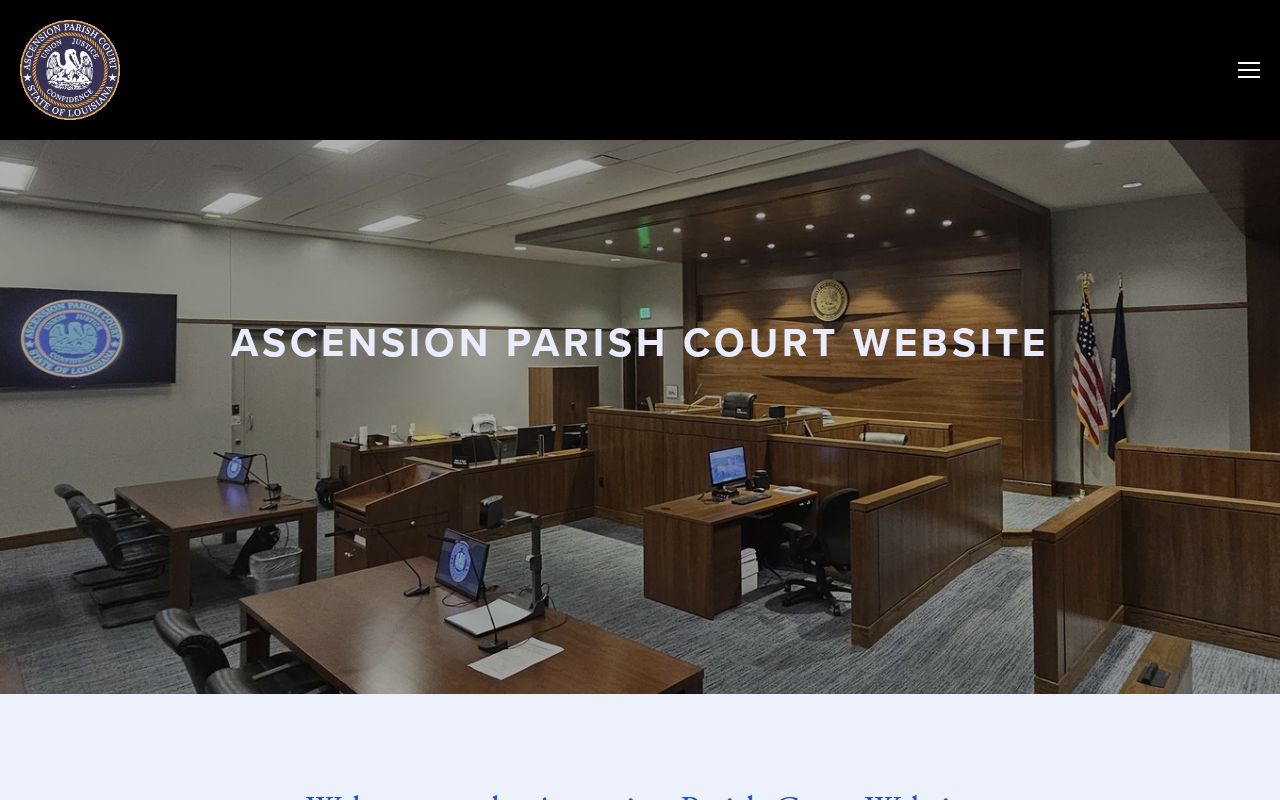
The Parish Court source gives the court-level context first. Match a public schedule to your case only after that.
Ascension Duty Judge Calendar
The 23rd JDC Duty Judge Schedule publishes an Ascension public calendar covering duty-judge assignments. A separate office-use calendar is noted on the page. Use it to learn who covers Ascension duty in a given week. It works for a given date too. It will not show every civil, criminal, family, or hearing-officer setting tied to an Ascension case.
One catch: the duty judge is not always the judge allotted to your case. Check the case division and the latest minute entry before leaning on the duty schedule. For a pending setting, the Ascension case docket, a signed order, a notice, or a call to court staff remains the source that matters. That route actually names your date.
How to Find Your Court Date
Start with the case number, the citation, the notice, or the full caption. The Ascension clerk's electronic route can pull up a district record. It works for a parish-court record too. If remote access fails, an Ascension clerk terminal works in person. Once the case appears, read the most recent setting or minute line. The original summons is not the answer. Nor is the filing date.
- Use the clerk's e-services route, eClerks LA, or the legacy Online ACCESS route as directed to locate the case docket or minute entry.
- Use a public-access computer at either clerk office when the remote route is unavailable, restricted, or missing an image.
- Call the appropriate clerk department for a date-confirmation question: Civil is extension 2, Criminal/Minute is extension 3, and the Donaldsonville satellite route is extension 8.
- Compare a district-court setting with the 23rd JDC duty calendar and current court closure notices, without letting a general calendar override the docket.
- For a Parish Court matter, consult its current schedule and holiday material, then confirm the individual setting with Parish Court staff.
- Ask the clerk counter about posted courthouse or lobby information and confirm Justice of the Peace settings directly with the specific JP court because no unified public JP calendar was located.
- For a traffic matter, check the issuing agency's upload or payment information, then confirm any hearing with Parish Court because the payment route does not control the court date.
Copy the details exactly: Ascension date, time, event, division or judge, courtroom or city, and any appearance instruction. A case with more than one future date is common. It may hold a status conference, a hearing-officer conference, a motion rule, a trial, or a continuation, and those dates are not interchangeable.
Ascension Calendar Access Channels
The Ascension Parish Clerk serves as the central records office for the Twenty-Third JDC. It also serves Ascension Parish Court. Its Civil Department keeps civil dockets and filings. Its Criminal Department keeps criminal minutes and filings. When you need an official Ascension date record, the clerk's docket and minute route stands apart from a duty schedule. A city payment portal will not do that work either. Nor will a general court notice.
The Parish Court records-custodian page names Bridget Hanna as Clerk of Court and records custodian. Use that clerk route whenever a calendar listing needs to be checked. The record the court actually holds settles it.
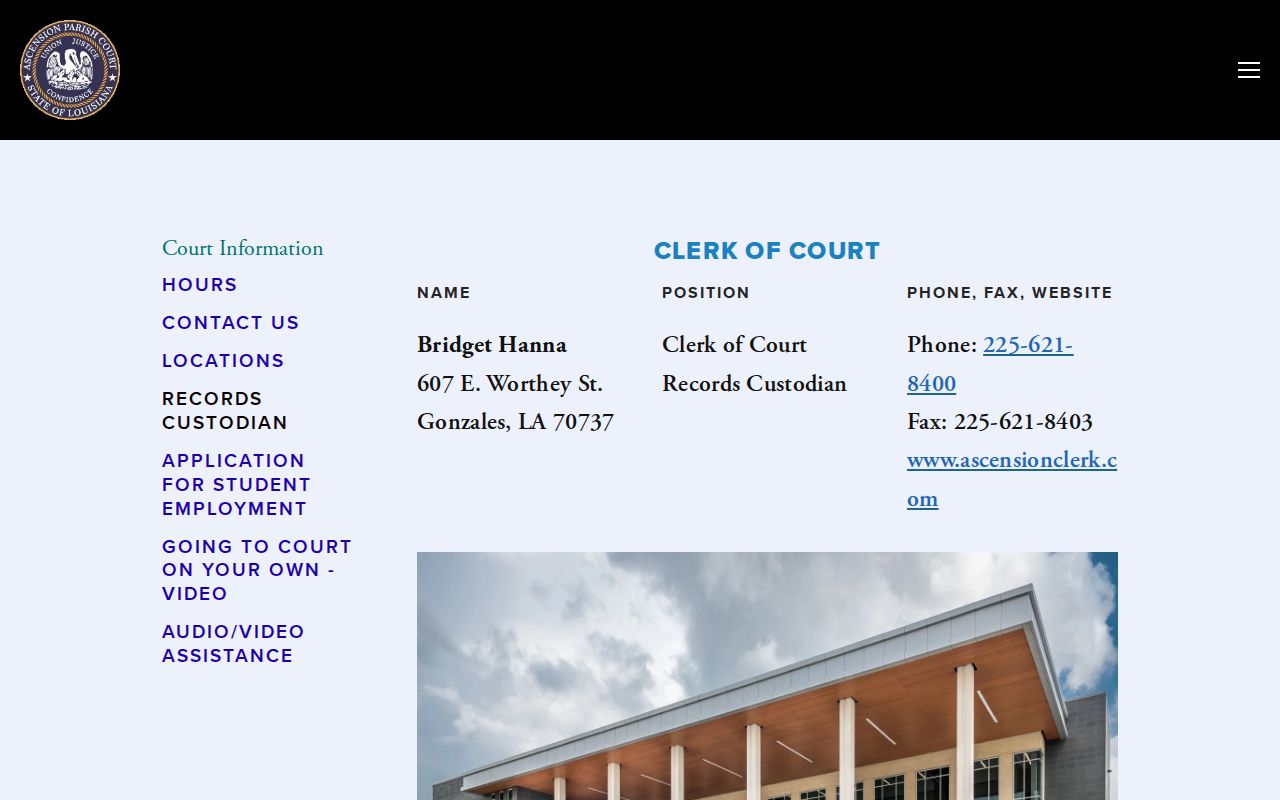
The records-custodian source points one way: a date-specific Ascension court calendar question may require the clerk-held case record.
Reading a Court Setting
Write down the whole picture when you capture a setting. That means the Ascension case number, division, and judge or hearing officer. Add the event date, start time, event type, courtroom or location, and the date the entry was made. Sort multiple future events into their kinds: status conference, hearing-officer conference, motion rule, trial, continuation. The newest Ascension minute may reveal an earlier date was vacated, reset, or switched. It can even show another hearing type.
| Date | The scheduled event date. Check whether a later minute or signed order has replaced it. |
|---|---|
| Time | The listed start time or session block, which can differ from a general docket-call time. |
| Courtroom | The courtroom, courthouse, or Parish Court city location shown for the individual setting or session. |
| Judge | The allotted judge, hearing officer, or court route. A duty judge can be a separate staffing assignment. |
| Setting type | The event label, such as arraignment, pretrial motion, hearing officer conference, trial, traffic, or imposition. |
In Ascension Parish Court, the schedule leans on different fields: month and date, time, city, agency, session label, and alphabet block. Match the issuing agency to the schedule label first. Then go back to the individual docket for the result tied to your Ascension case. The Parish Court locations page identifies the Gonzales and Donaldsonville court buildings. The court uses them in its local routing.
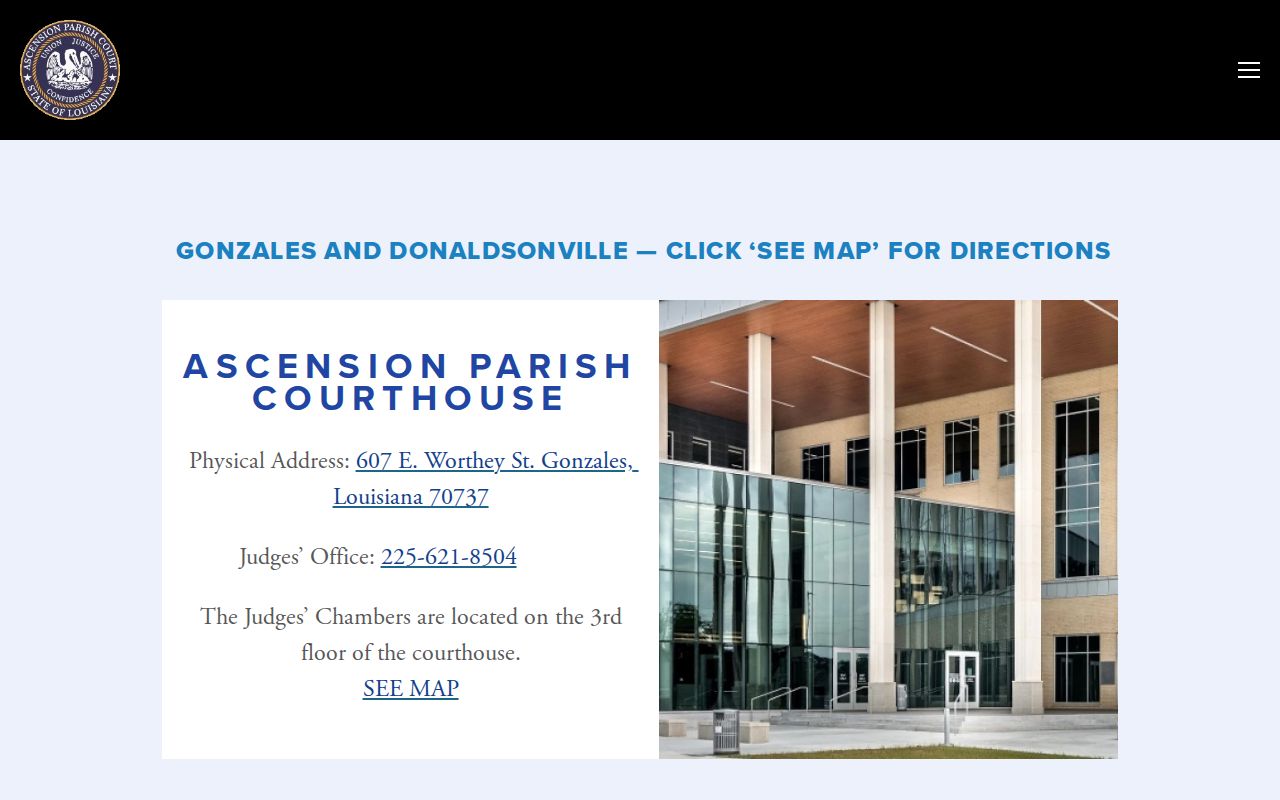
The location source helps separate a setting's court city from the docket event that controls it.
Ascension Court Setting Fields
Keep local schedule words in their Ascension context. Agency labels like APSO, GPD, LSP, Donaldsonville, and Gonzales are routing clues, not verdicts. Likewise, terms such as Traffic, Traffic Criminal, Impositions, Trials, and Arraignments describe what a session is for. They say nothing about the result of any case.
- Duty judge
- A judge assigned to rotating weekly or date-specific duty coverage, not automatically the judge allotted to the case.
- Hearing officer conference
- A family-process conference intended to narrow or resolve matters and reduce court docket time.
- Imposition
- A Parish Court schedule term associated with a fines, costs, or disposition session; verify the exact event in the docket.
- A-K or L-Z
- Alphabetical Parish Court schedule blocks, not filters in the clerk's electronic search.
- Traffic Criminal
- A published Parish Court category distinct from the ordinary Traffic session label.
The Parish Court rules supply the jurisdiction and session context behind these Ascension court calendar routes.
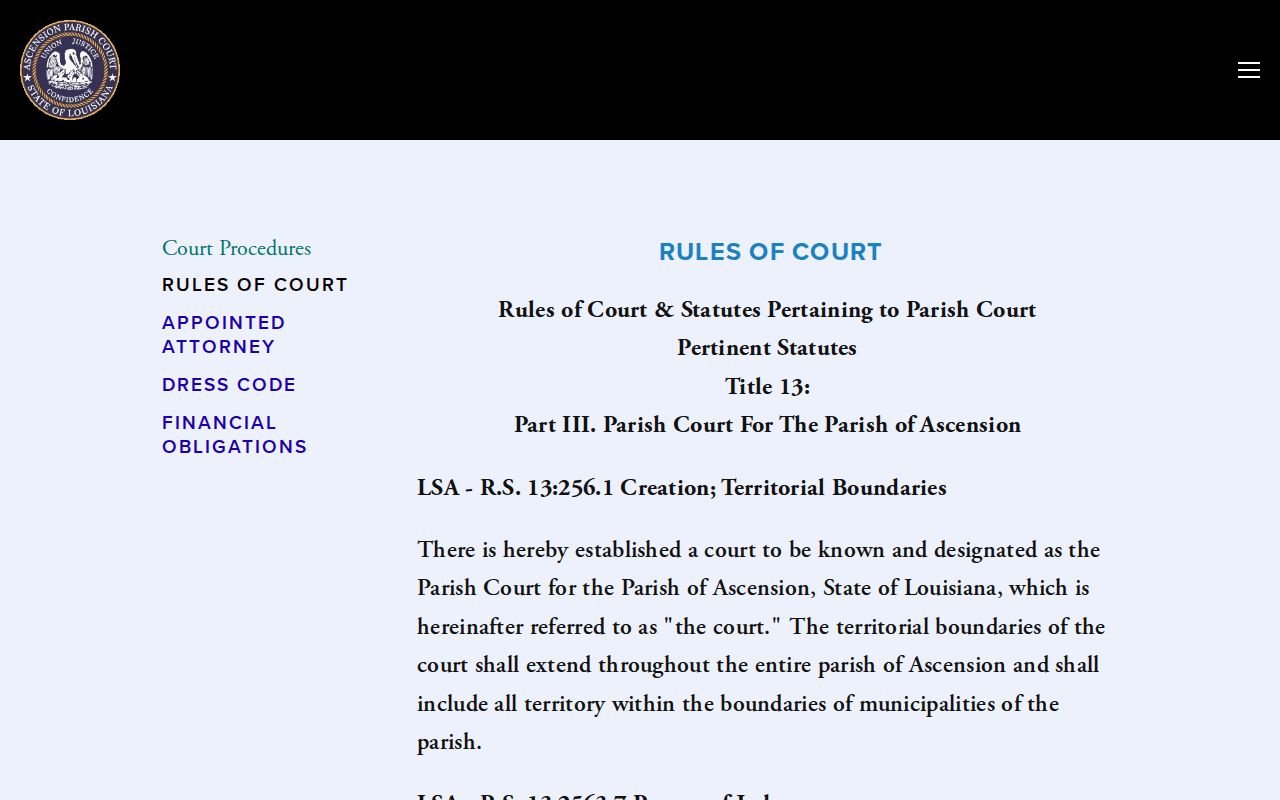
The rules source explains the limit. A session label alone never establishes an individual disposition or court date.
Resets, Continuances, and Cancellations
Which Ascension record wins when dates disagree? The newest signed order, minute entry, or docket event outranks an older calendar PDF or a generic schedule. A reset or continuance is just a new setting. It is not a disposition. A public calendar can still show the old date even after a case-specific Ascension minute changed it, so treat the calendar as a planning aid, not the final word on your case.
Closure notices and jury-pool cancellations add another wrinkle. A holiday calendar may explain a shuttered counter, yet it does not by itself continue any particular hearing. Save the URL and the date you saw it. When your setting is near, or notices conflict, call the Ascension court or clerk for the real answer.
Ascension Parish Court Sessions
The Ascension Parish Court schedule sorts sessions by category. Categories include arraignments, prisoners, juvenile traffic, impositions, trials, civil, juvenile/DCFS, traffic criminal, traffic, and combined impositions and trials. Agency labels appear too. Look for LSP, APSO, GPD, Donaldsonville, Gonzales, or combined Ascension tags. Separate A-K and L-Z time blocks round out the layout.
Those labels are helpful routing clues for court dates in Gonzales, Donaldsonville, and Sorrento. They do not turn the schedule into an online calendar for individual cases. Match your citation to its agency and case docket. Then confirm with the court if any appearance question remains. Ascension Parish Court's official contact page lists the judge, staff, and office routing you need. Use it when a calendar conflict comes up.
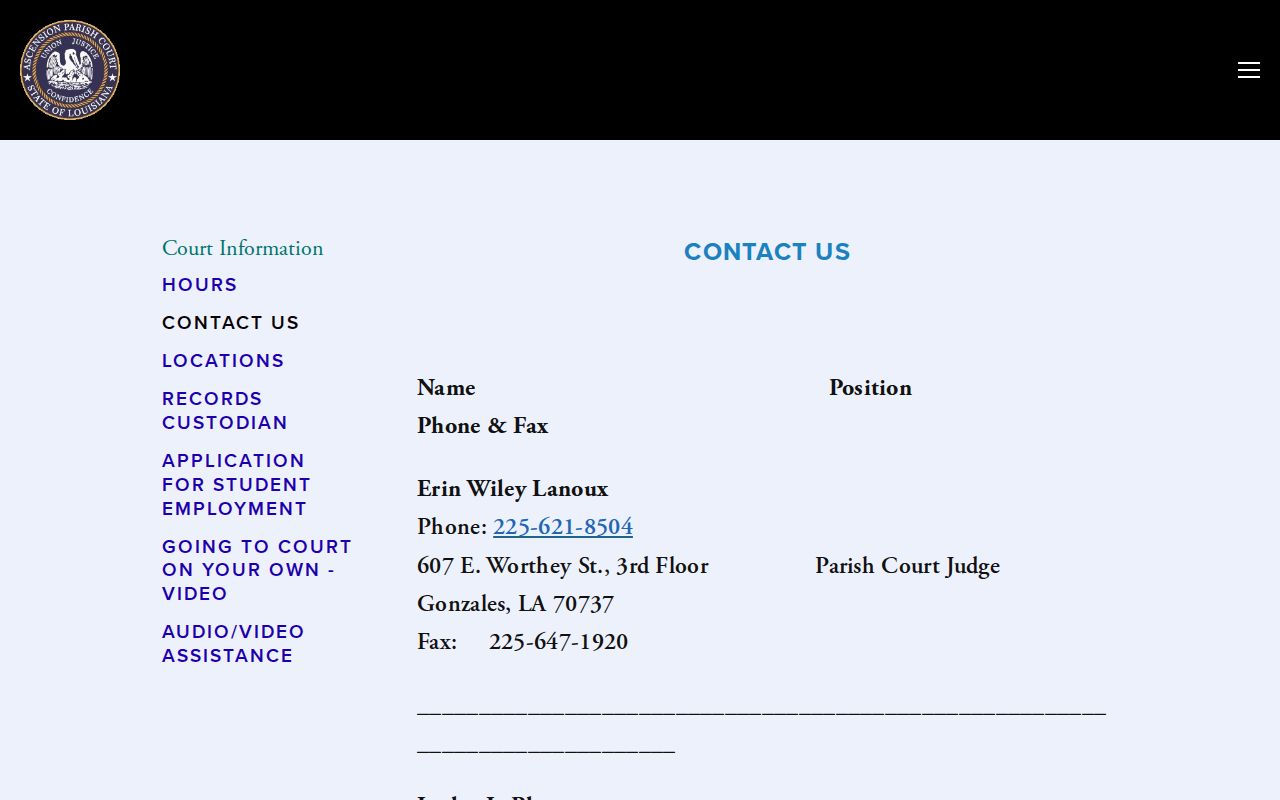
That contact page enables direct confirmation when a Parish Court session schedule and a case record point in different directions. A quick call beats guessing.
What To Do If You Miss a Setting
Start with two facts: the Ascension court and the case number. Then contact the clerk or court promptly. Ask for the current docket status and the lawful next step. Do not assume a reset, an old calendar entry, or a payment status erases the need to appear. None of those things clears you. For an Ascension traffic matter, the issuing agency may also need to confirm things. One is whether the citation was uploaded. Another is whether an appearance was required in the first place.
Missed a setting? Gonzales Police warns that a failure to appear can lead to a bench warrant, contempt fee, and possible license suspension in the circumstances its citation page describes.
Contact the court or clerk with the citation or case number and ask for the current setting or instructions. The court record controls, not a third-party payment screen.
For an active criminal matter or a question about a warrant, obtain advice from a qualified Louisiana attorney before making decisions about a court appearance.
The Parish Court financial-obligations page lays out how fines and costs are paid. It states that cash or money order goes to the collecting agency under the court's stated procedures.
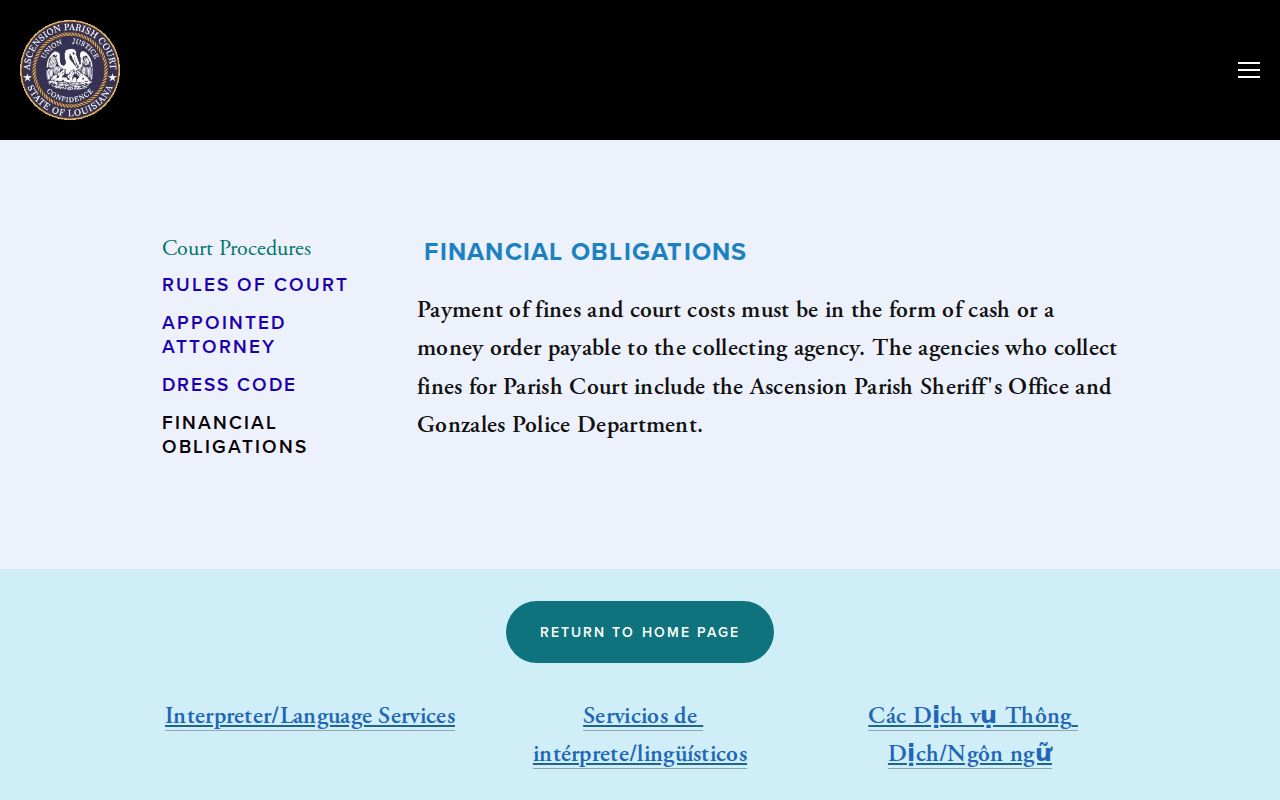
Payment info is a separate channel, though. By itself, it cannot tell you whether an Ascension court calendar setting is still active.
Ascension Traffic Court Delays
Got a Gonzales citation with no Ascension court date or payment record yet? Try the issuing agency first. Gonzales Police says electronic citations usually upload within 24 to 48 hours, while handwritten and outside-agency citations take longer. That gap is a posting issue. It is not proof the citation was cancelled.
The department also explains that a not-guilty contest is entered in person at Ascension Parish Court, after which a trial date is provided. Payment can run through the agency. But a contested ticket or mandatory appearance is still a court-date question, and only the court and the issuing agency can settle it.
Ascension Court Closure Notices
Before a close Ascension setting, check the 23rd JDC news and notice route. Current Ascension court pages post closure and jury-related notices there. The clerk runs a separate operation for its own office functions. Public notices matter for access and planning. Still, they do not amend a case-specific hearing. The docket, a minute entry, a signed order, or court staff must say so.
Note the date you read a notice and compare it with the latest case entry. Same-day or next-day conflicts deserve a direct call to the court or clerk. Never assume from a holiday calendar or jury announcement alone.
Ascension Remote Court Limits
The 23rd JDC technology page and local rules describe Ascension courtroom audio-video capability. Coverage spans the court system and certain appearance categories. Capability is not permission. Equipment in the building grants no entitlement. Not every Ascension case, party, or setting may appear remotely. So do not read a public calendar as a promise of remote access. The court owning AV gear is not the test.
What controls here? The minute entry, the notice, a division instruction, or the direction of court staff decides whether remote appearance is authorized. When general calendar material publishes no remote instructions, contact the court. Guessing at a meeting link is a fast way to miss a hearing. So is assuming an in-person setting changed. A court's audio-video capability alone never establishes remote permission for a particular Ascension hearing.